
Dashboards and Scorecards with PowerBI
We design Power BI dashboards so that your team has all the key information, data, and KPIs in one place, always updated and visible.
What do we offer?
We offer data analysis solutions through interactive dashboards and custom scorecards in Power BI. We gather all the critical information from your company so you can analyze it without wasting time.
We integrate data from ERPs, CRMs, spreadsheets, databases, or other systems into a unified model designed for your business. This gives you a global, reliable, and always up-to-date view that facilitates the monitoring of KPIs, milestones, and strategic objectives.
Key Benefits of Power BI Dashboards
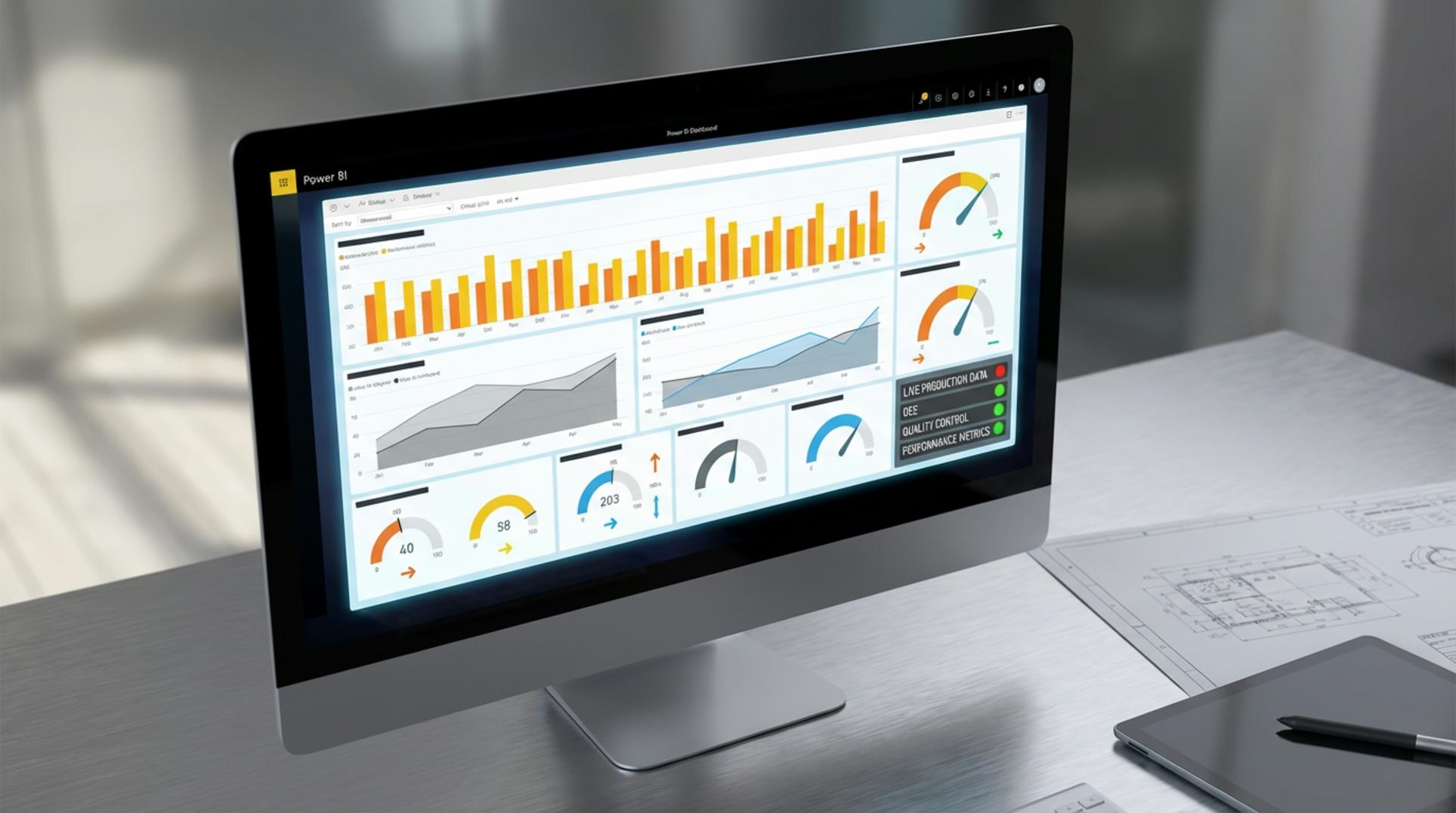
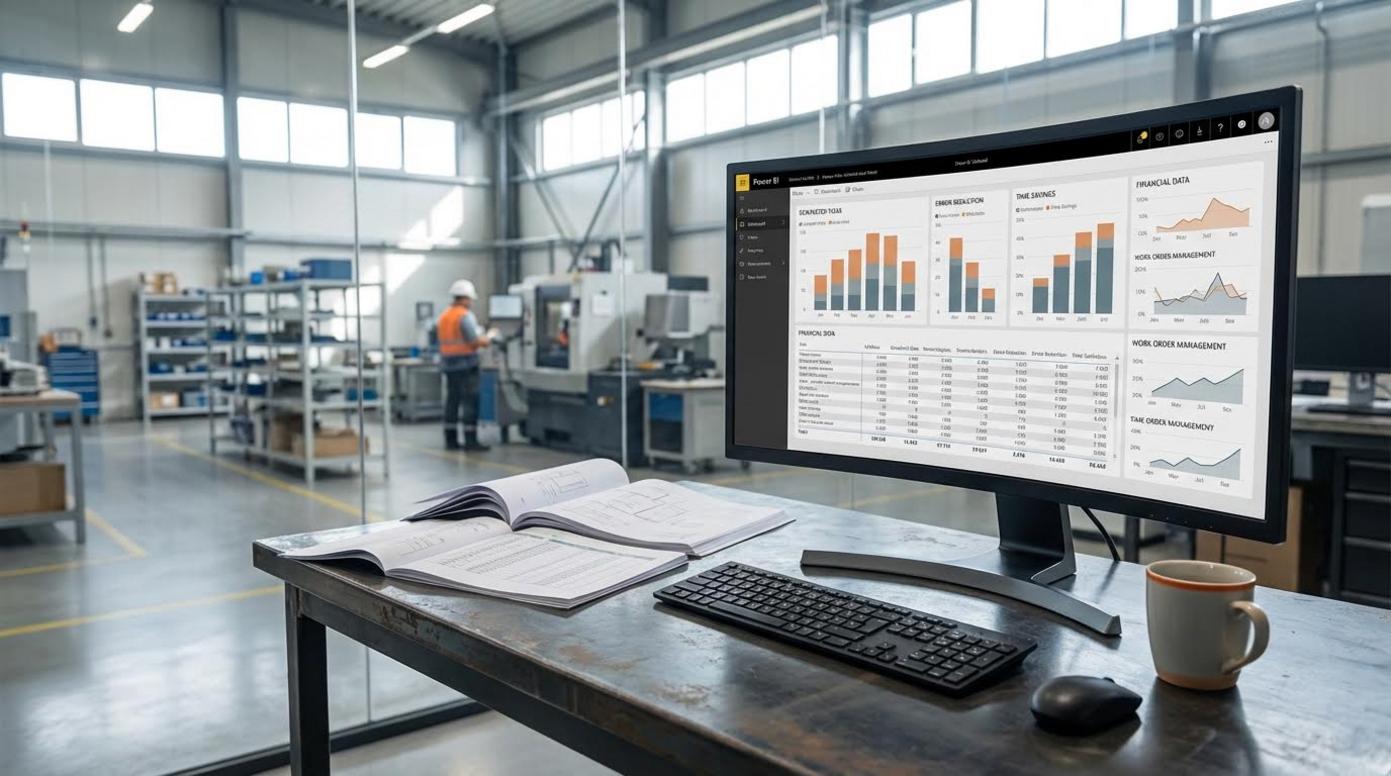
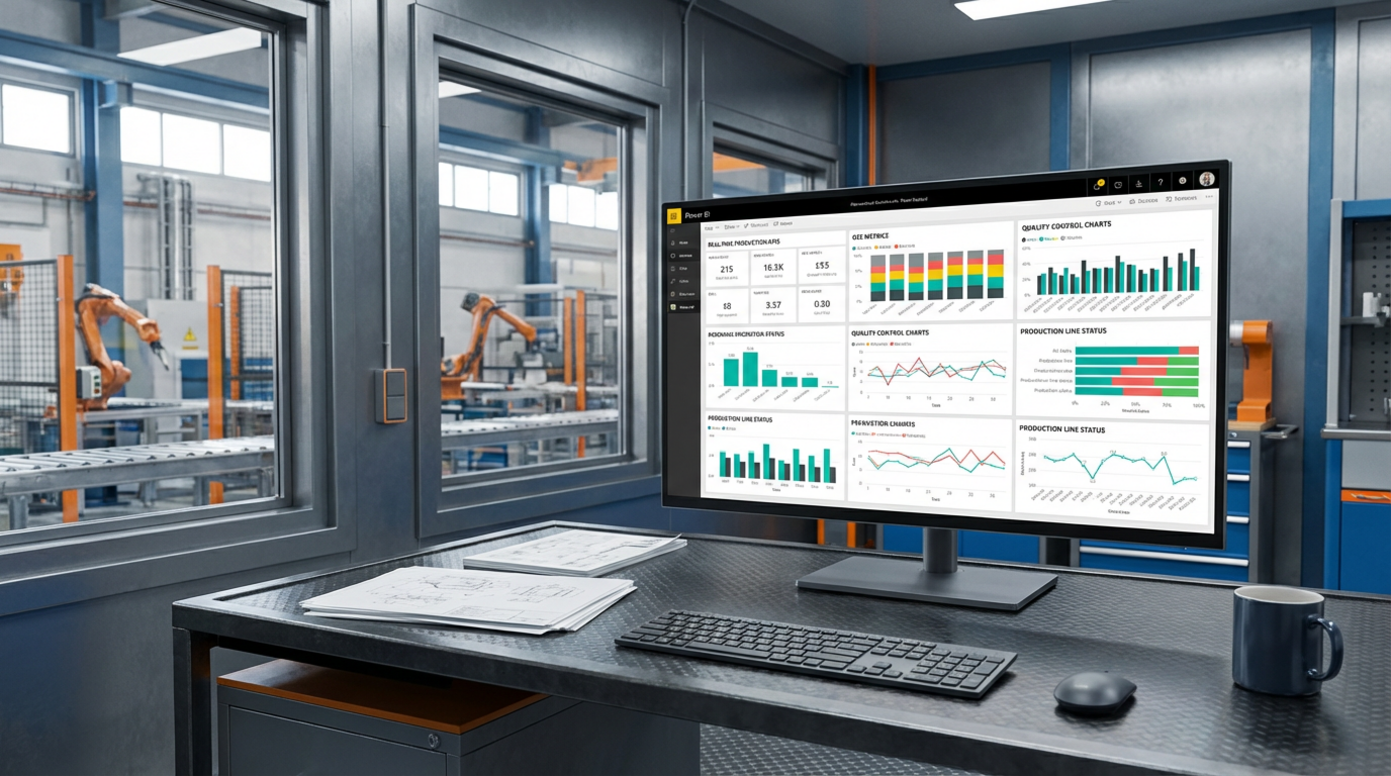
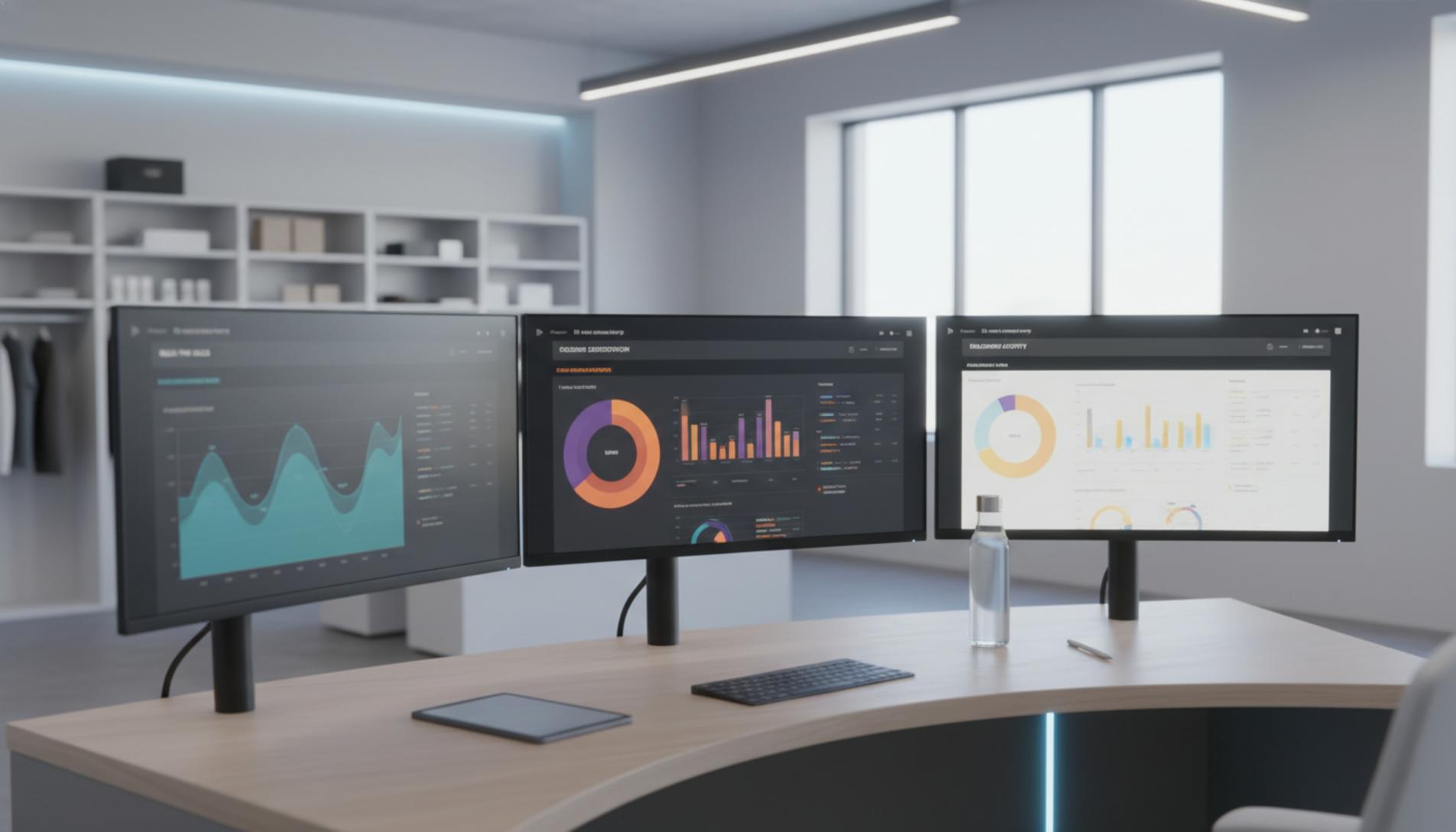
Visual Examples of Power BI Dashboards in Action
Power BI Dashboard and Scorecard Projects


Our Working Process
1
Consulting-Initial Meeting
2
Dashboard Design
3
Data Integration
4
Review and Adjustments
You test the dashboard in a real environment and we collect your feedback. We adjust visualizations, filters, and KPIs until the dashboard exactly reflects the reality of your company.
5
Delivery, Training, and Support
¿Listos para impulsar vuestro negocio con datos?
Si estáis listos para dar el siguiente paso hacia la toma de decisiones basada en datos, podemos ayudaros.
Contactad con nosotros o solicitad un presupuesto personalizado si ya tenéis claro qué es lo que vuestro negocio necesita.
¡Contadnos qué objetivos queréis alcanzar con vuestros datos y nos pondremos manos a la obra!
Frequently asked questions about Dashboards and Scorecards with Power BI
Can the dashboards be integrated with your systems (ERP, CRM, etc.)?
+Yes. Power BI stands out for its ability to connect to multiple business data sources. We can integrate your dashboards with:
- · ERP (Odoo, Holded, SAP, etc.).
- · CRMs such as HubSpot, Pipedrive, or others.
- · Spreadsheets, SQL databases, and different business applications.
We will only need you to provide us with secure access or technical credentials, and we will take care of connecting and unifying the information so that the dashboard includes all the key areas of your company.
Can we customize the dashboards according to the needs of our business?
+Yes. Each dashboard project we develop is 100% customized. We adapt:
- · The KPIs and metrics you want to monitor.
- · The structure of pages, filters, and segmentations.
- · The visual design, corporate colors, and information hierarchy.
No company is the same as another, so your dashboards will be focused on your priorities: sales, finance, logistics, production, HR, or the combination you need.
Do you need a technical team or previous experience to work with Power BI?
+No. The dashboards we design are designed for business users. Power BI is a very intuitive tool and does not require advanced knowledge to use the reports.
You will be able to filter, explore visualizations, and download data without depending on the technical department. In addition, if you need it, we include a brief training so that your team gets the most out of the dashboard from day one.
How long does it take to develop a custom dashboard or scorecard?
+It depends on the scope of the project and the number of data sources to integrate. As a reference:
- · A first dashboard for a specific area is usually ready in 2 to 4 weeks.
- · More complex projects, with many integrations and advanced visualizations, may require more time.
After the initial consulting phase, we will deliver an estimated schedule and work with agile methodology so that you start seeing results as soon as possible.
Do you offer support or maintenance after the delivery of the dashboard?
+Yes. Our work does not end with the delivery of the project. We offer post-implementation support to resolve initial doubts or specific incidents in the dashboards.
In addition, you can contract maintenance and continuous improvement plans if you need to add new KPIs, integrate more data sources, or adapt the dashboard to changes in your business.
How can you request the service or request a quote?
+It's very simple. You can fill out the contact form on this page, briefly commenting on what type of dashboards you need or what problem you want to solve.
From there, we will advise you without obligation on the best solution in Power BI for your company and we will send you a detailed budget adjusted to your case.