
Free Power BI Templates
Download our ready-to-use Free Power BI Templates here, designed so that any company can start working with visual analyses without the need for technical knowledge.
Free Power BI Templates for Companies
If you are looking for something more professional, here you will find all our Advanced Power BI Templates:
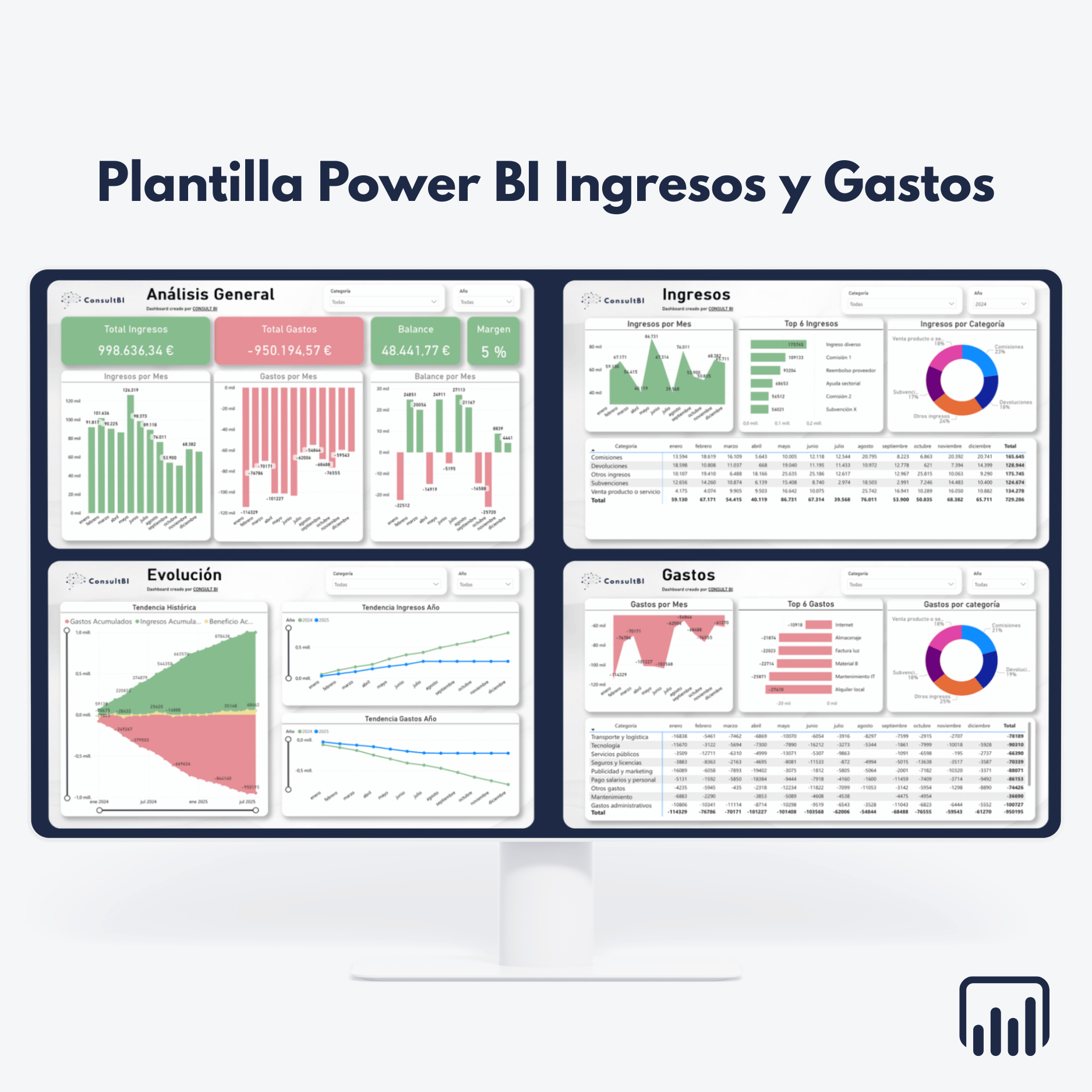
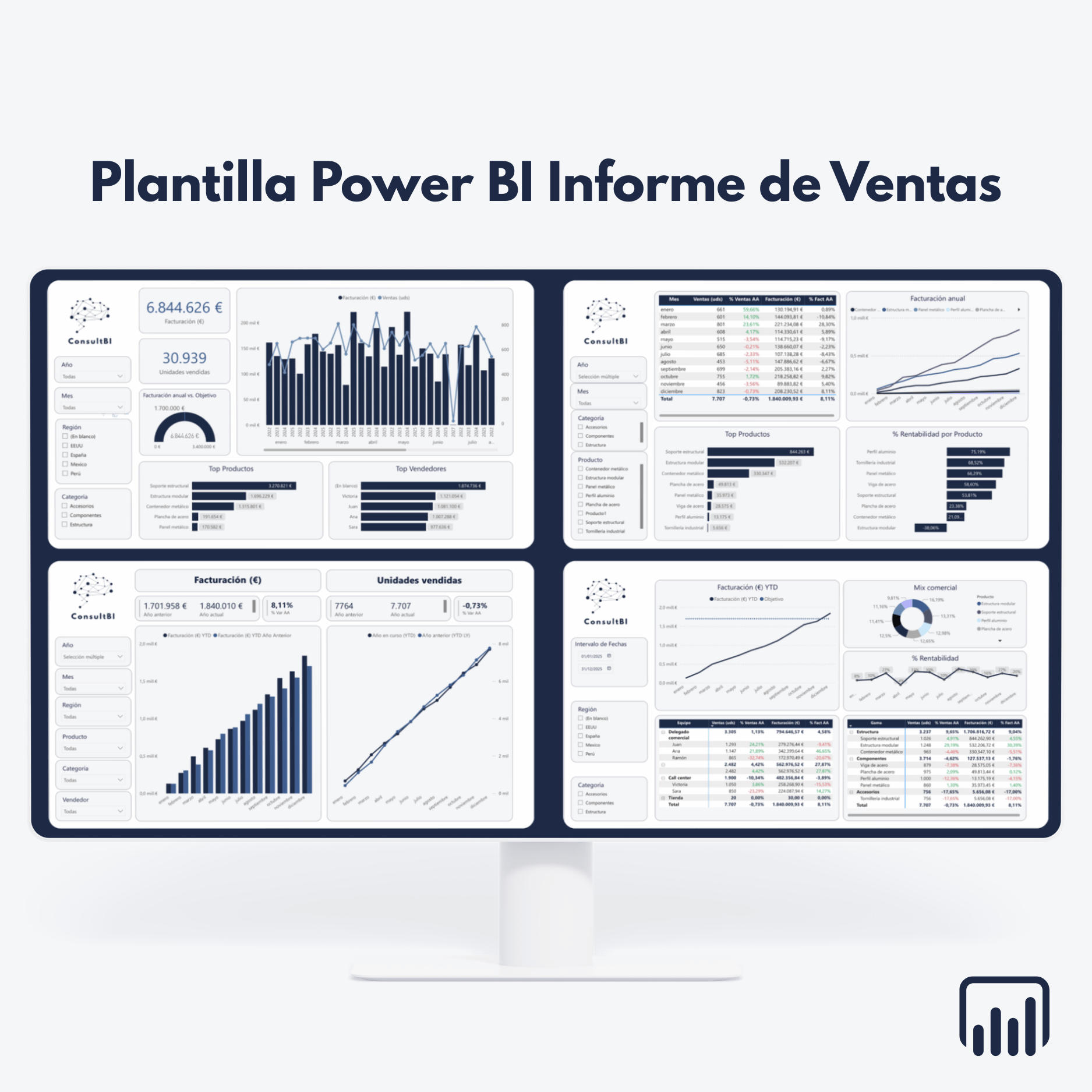
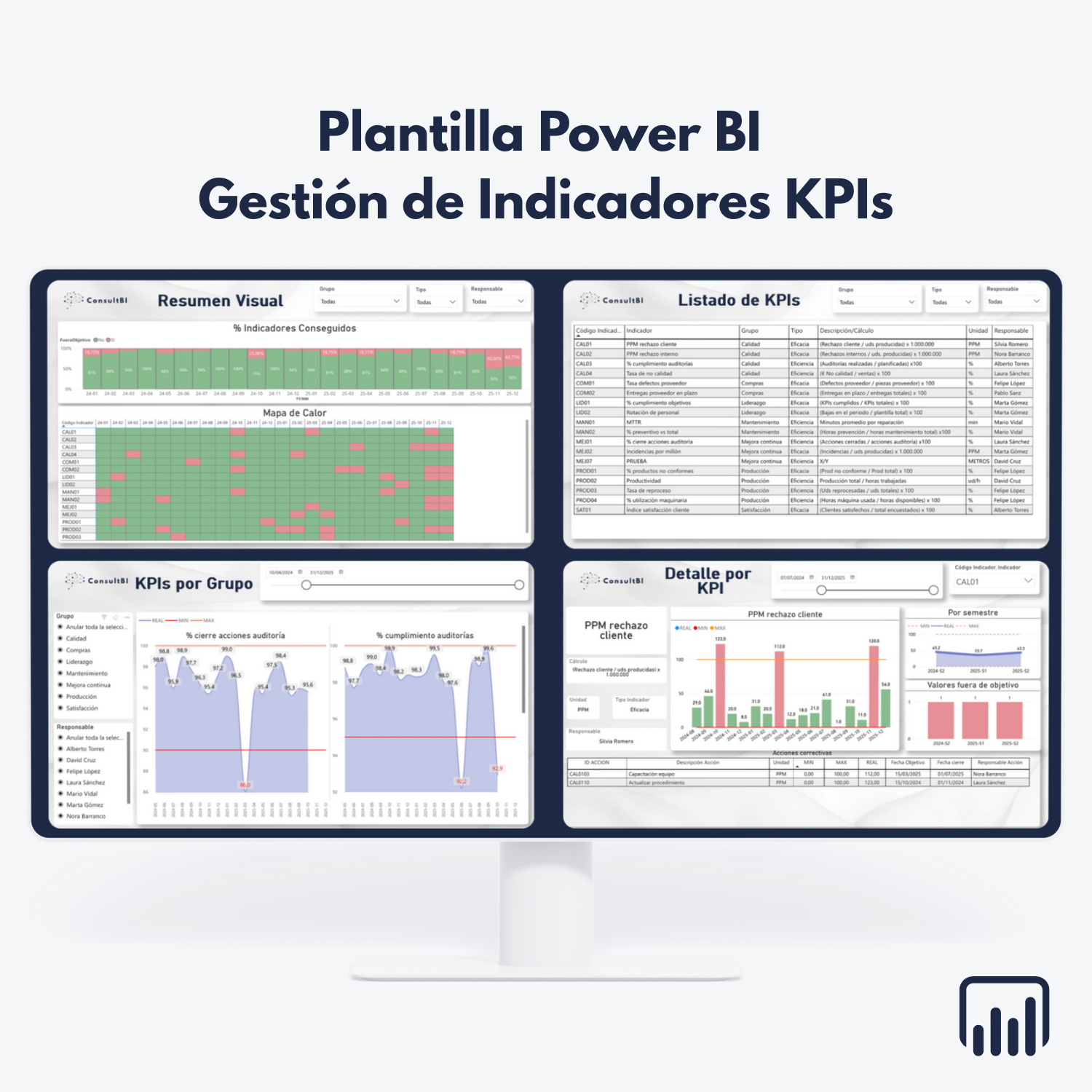
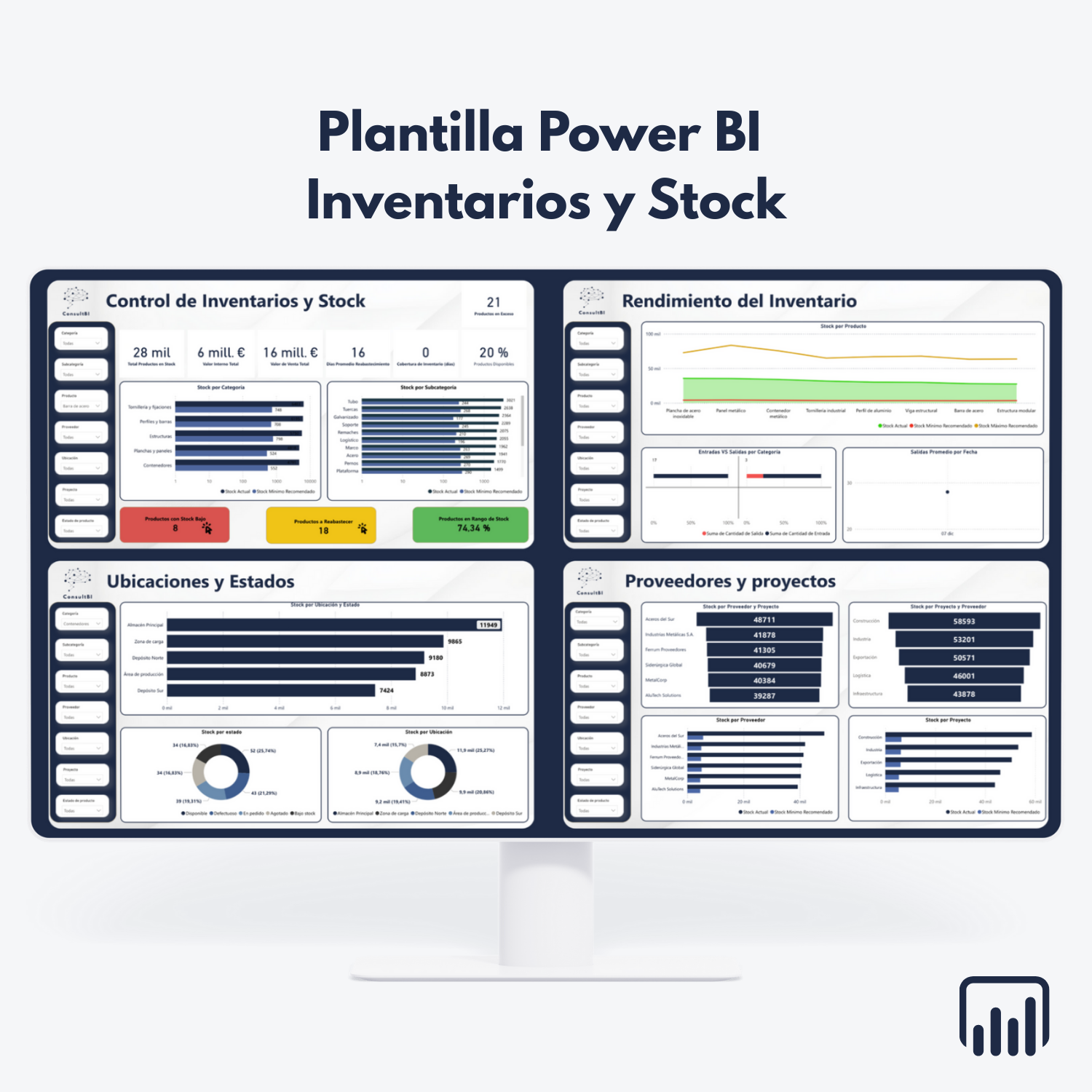
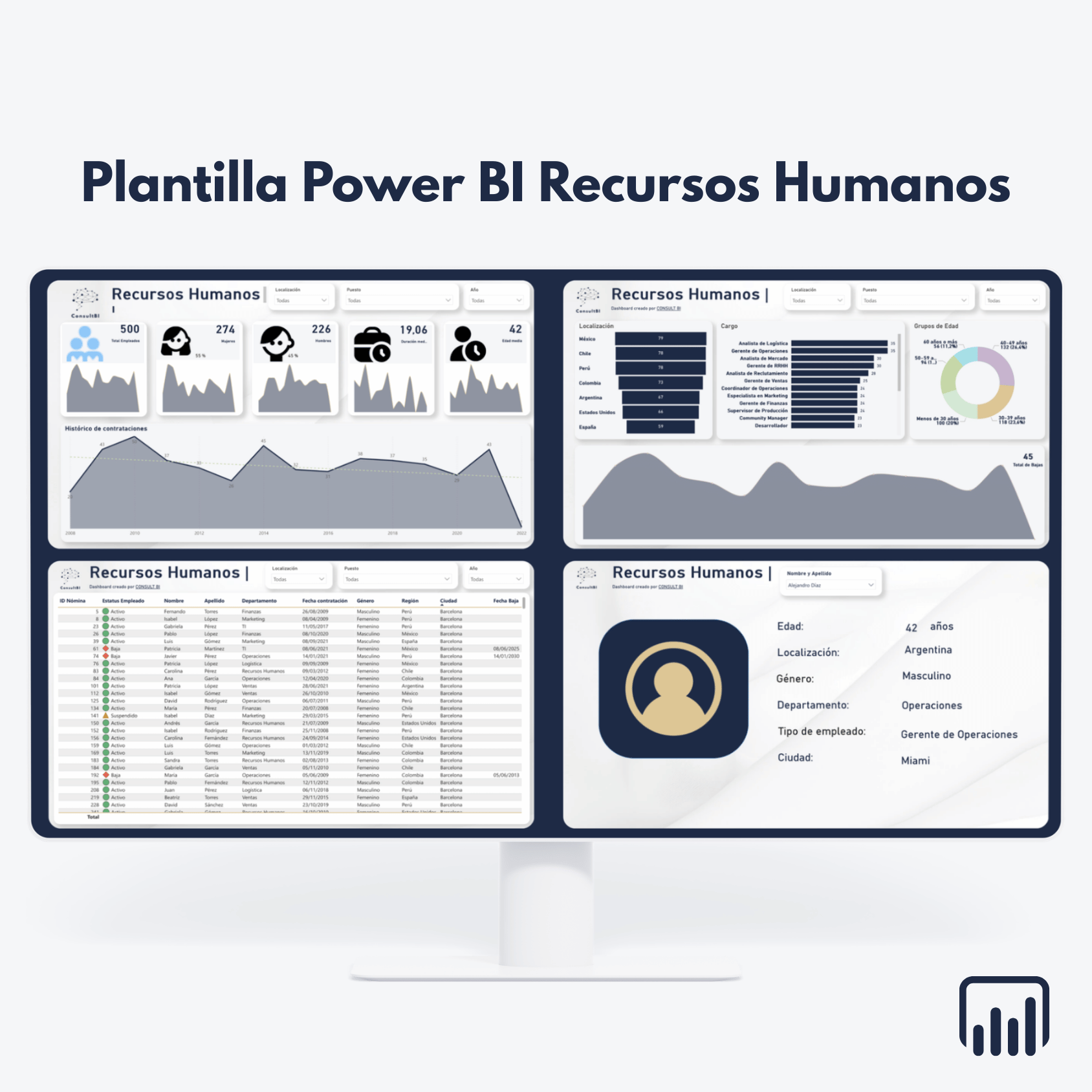
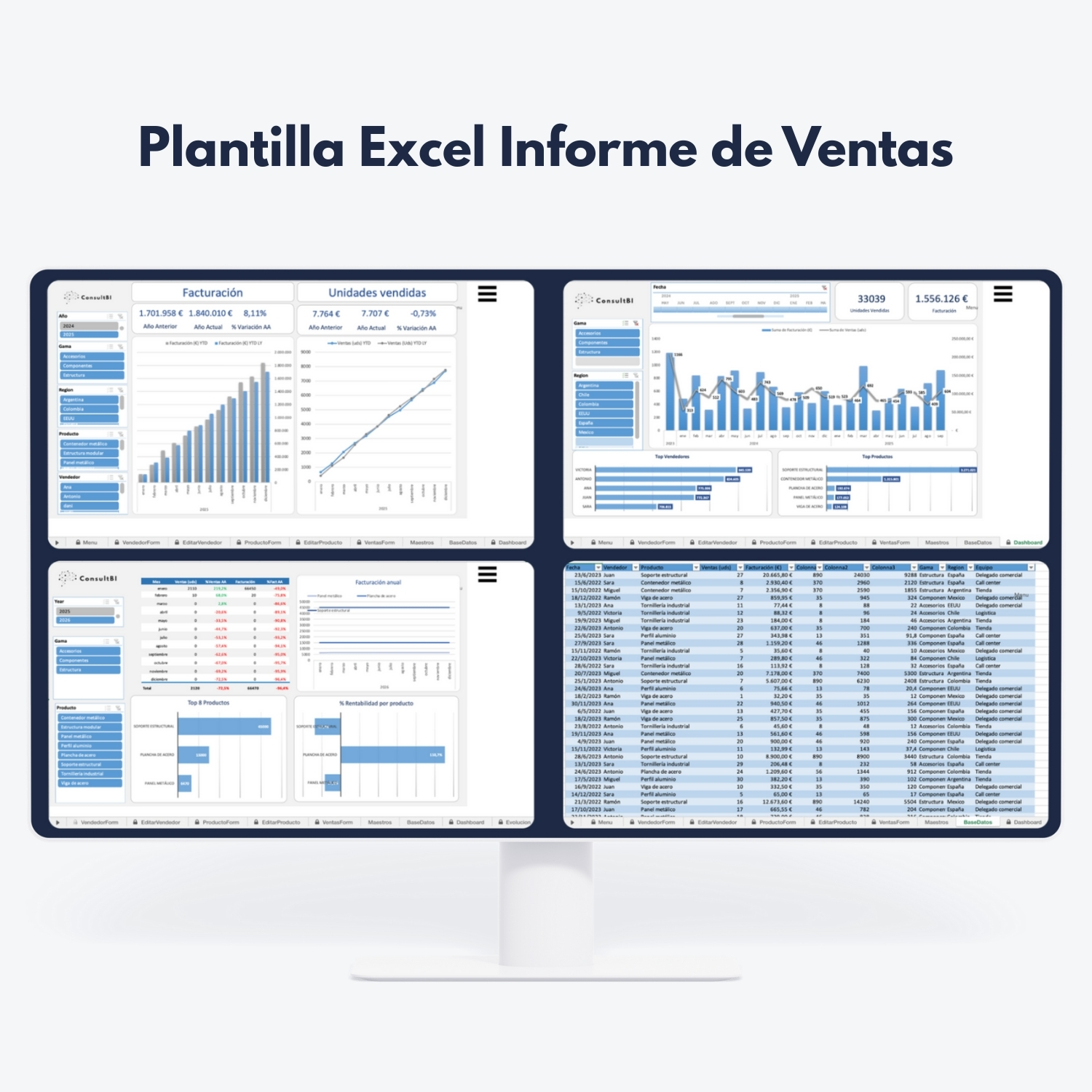
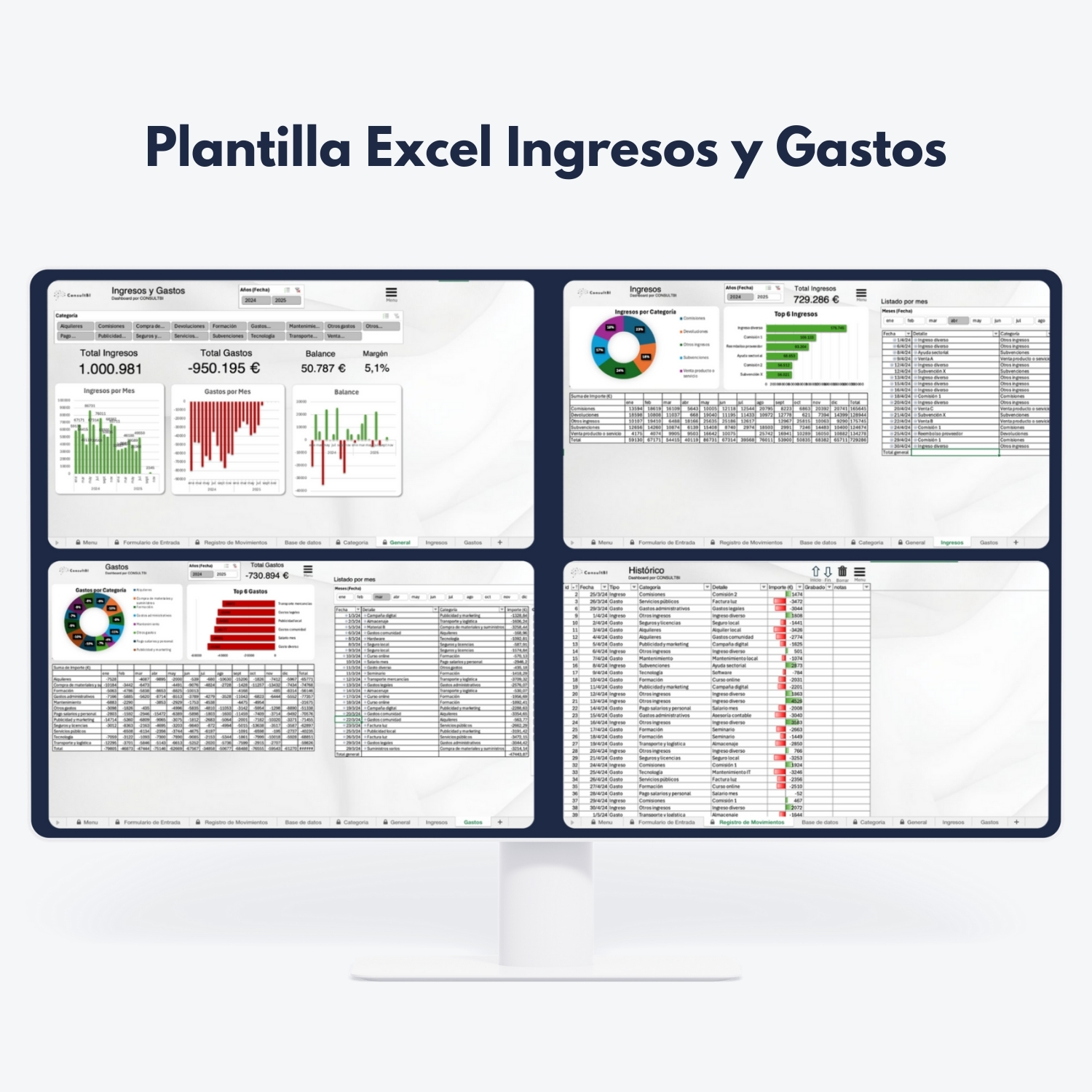
Why choose our free Power BI templates?
Looking for more complete Power BI Templates?
Our advanced Power BI templates offer a much more solid environment, with multiple pages, advanced visualizations, intelligent conditional formats, and direct connection to an automated Excel with macros, forms, and validations to enter, edit, or delete data without errors.
Frequently asked questions about our Free Power BI Templates
What exactly do our free Power BI templates include?
+Each free template includes everything you need to start working with real data without configuring anything from scratch:
- · Power BI .PBIX file with the model, measures, and pre-configured dashboards.
- · Excel file prepared to enter data easily.
- · Structure of tables and fields already defined so that you only have to fill in the information.
The goal is for your team to be able to download, upload data, and start analyzing results in a very short time.
Can the free Power BI templates be used within your company at no cost?
+Yes. You can use the free templates internally in your organization at no additional cost from ConsultBI.
- · You can download them, test them, and use them in internal work teams.
- · You can adapt them smoothly (colors, small modifications, etc.) for your internal use.
The only thing you must respect is the Microsoft Power BI and Excel license that you are using and not redistribute the templates as your own product or market them to third parties.
What technical requirements do you need to use these templates?
+The requirements are very simple and are present in most business environments:
- · Have Power BI Desktop installed on at least one computer.
- · Have Microsoft Excel to manage the data files.
- · Have permissions to open and save files on the work computer.
If later you want to share the reports in the cloud or with several users, you can evaluate licenses such as Power BI Pro or similar options within the Microsoft ecosystem.
How is the data updated in our free Power BI templates?
+The flow is very direct so that any team can manage it without advanced technical knowledge:
- · You fill in or update the data in the Excel associated with the template.
- · You save the file respecting the structure of columns and tables.
- · You open the Power BI .PBIX and click on update (Refresh).
With these steps, the dashboards are updated with the new information without the need to reconfigure the data model.
How do these free templates differ from the advanced paid templates?
+The free templates are designed as a starting point for you to try Power BI and assess the potential of analysis with structured data.
- · The free templates focus on basic KPIs and simpler structures.
- · The advanced templates include multiple pages, advanced visualizations, and conditional formats for a deeper analysis.
- · In the premium versions, an automated Excel with macros and forms is connected to enter, edit, or delete data in a controlled manner.
In short: the free ones are perfect to start; the advanced ones are designed for continued and more professional use within the company.
Can you customize these templates to adapt them to your business?
+Yes. If after trying the free templates you need to go a step further, we can adapt them to your business reality.
- · Adjust KPIs, dimensions, and filters to your business model.
- · Integrate data from various sources and automate its updating.
- · Unify the reporting under your corporate image.
You can consult the Power BI and Excel template customization service to see how we work on this type of project.
Are the free templates available in Spanish and English?
+Yes. Our goal is that you can use the templates in the language that best suits your team.
- · You will find versions of free Power BI templates in Spanish and in English.
- · You can combine interface language with data language according to your internal processes.
On the page of each template you will clearly see which language is available and, if applicable, the corresponding variants.
Can you start with free templates and then scale to a more complete environment?
+In fact, it is the approach we recommend to many companies that are starting their journey in Business Intelligence.
- · First you try the free templates and validate which indicators bring you the most value.
- · Then you can move to advanced templates when you need more detail and automation.
- · Finally, if you require it, we can design a complete BI environment with connected data, custom models, and reporting for the entire organization.
This way you turn a free trial into the first step towards a solid and scalable data strategy.